
Brief it in a sentence.
You get a script and a shot list to read before a single frame renders.
A short on why compound interest feels slow.
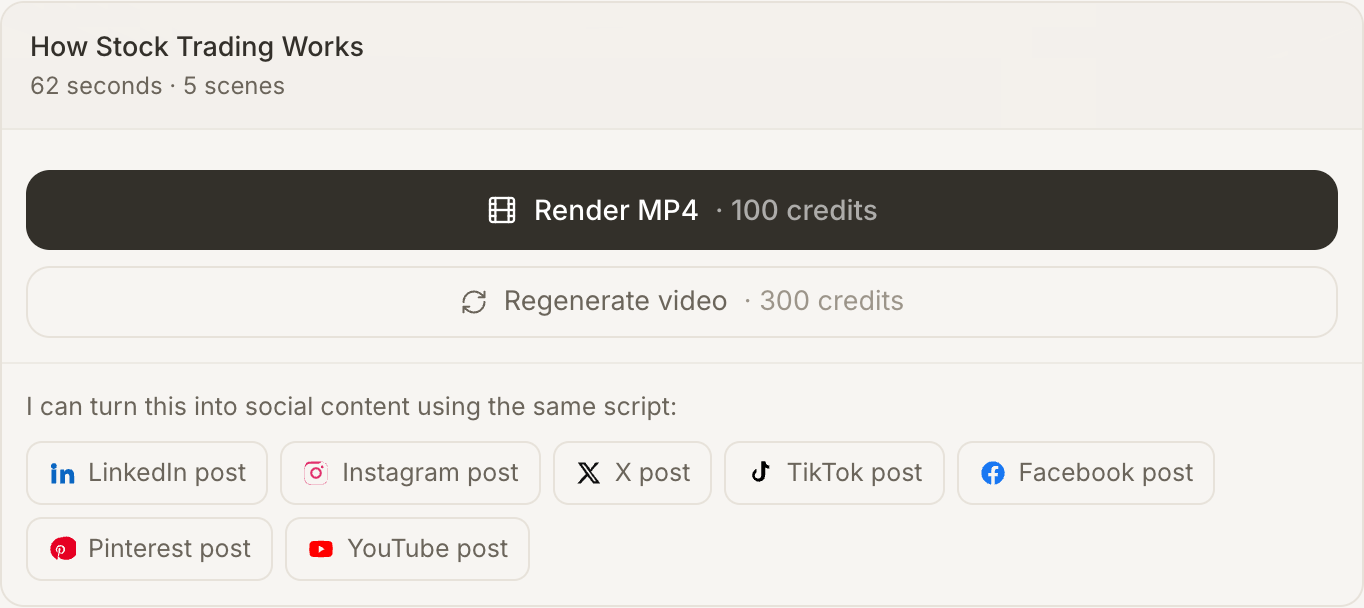
Six shots and a 30-second narration — read it before I build.
An AI social post generator: seven networks, each written to its own brief, from a script you already approved.
Drafting is free — you approve before anything is generated.
Everything one idea turns into
Faceless video, Whiteboard explainer, Social posts, Studio voiceover, Word-level captions, Vertical, square and wide cuts, Agent Skills, Re-cut clips — and where it ends up: YouTube Shorts, Instagram Reels, TikTok, LinkedIn, Facebook Reels, X, Notion, Slack, WordPress, Shopify, Zendesk, Udemy.
What it does
Describe what you want once. It writes it, makes it, and turns it into posts for everywhere you publish.
You get a script and a shot list to read before a single frame renders.
A short on why compound interest feels slow.
Six shots and a 30-second narration — read it before I build.
Visuals, voiceover and captions are produced in one pass, so they are actually in step.
The script you already approved is rewritten for each network, to that network's own brief.
What changes
1 → 7
Seven platform briefs, written from the script you approved.
Generate · Share · Grow
Most AI video tools hand you a file and stop. Growing an audience is what happens either side of that file — deciding it is good, and putting it in more than one place.
The agent writes the narration and the shot list, and then it waits. Rewrite any line, cut a shot, change the look — editing costs nothing and there is no limit on it. Your balance is not touched until you press approve.
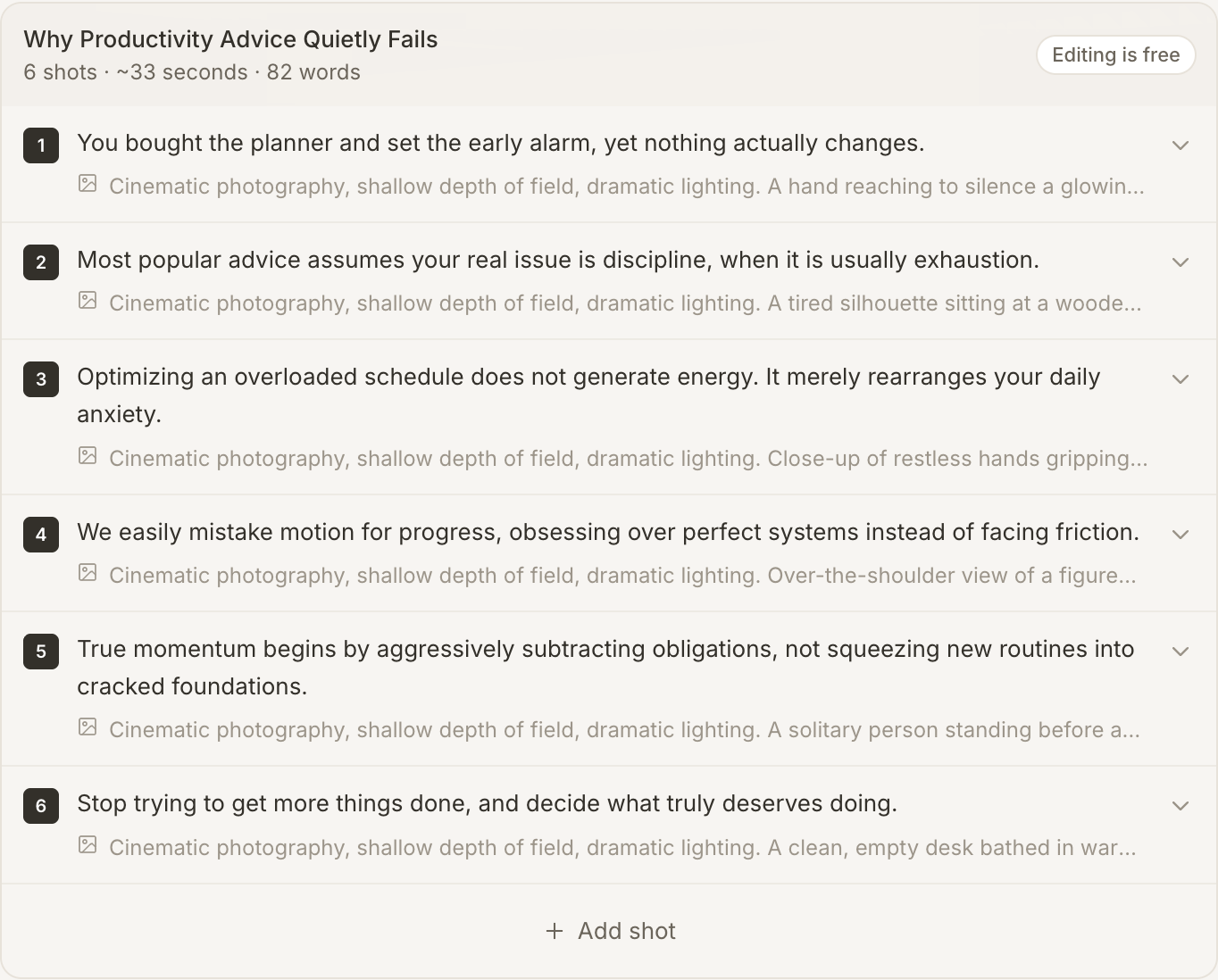
Every network gets its own brief. LinkedIn cuts the preview at 210 characters, so the hook is written to win before the cut — and the preview shows you exactly where that cut falls, before you post.
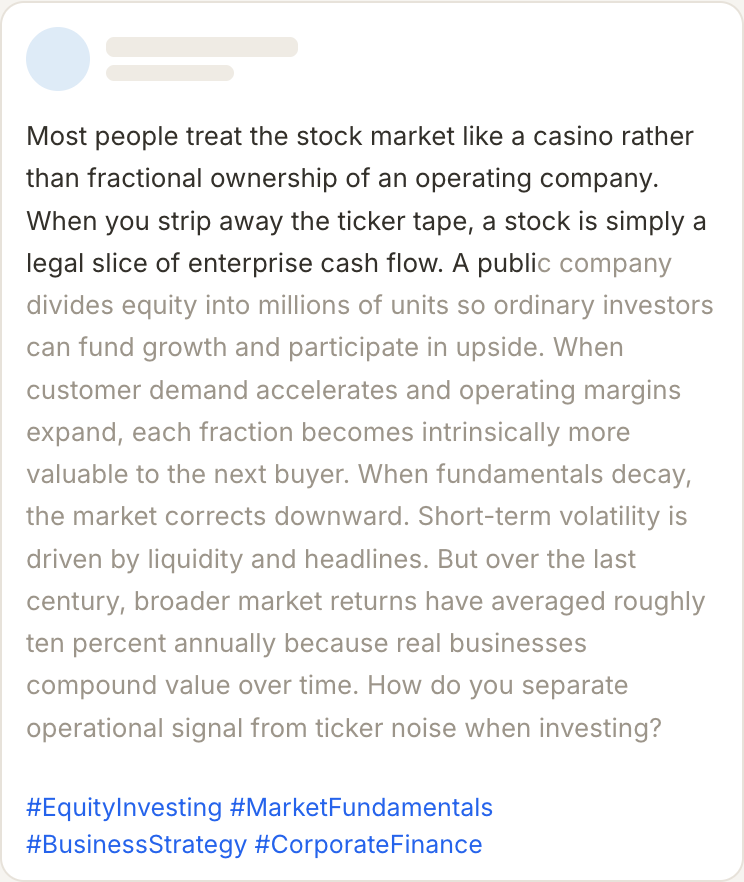
A finished video offers every network as a button, and each post is written from the script you already approved — so the video and the caption say the same thing. Save the direction that worked as a Skill and the next one matches.
Capabilities
Six things that make a generated post read like one a person wrote.
Each network carries its own audience, tone, structure and line style. A LinkedIn post opens on an insight and an X post opens on the payoff, because those are different rooms.
Every feed cuts the copy somewhere — 210 characters on LinkedIn, 125 on Instagram. The hook is written to win before the cut, not to be discovered after a More link.
Generated at the platform's own aspect — 4:5 for LinkedIn and Instagram, 16:9 for X — in a style chosen for that feed rather than one square picture reused everywhere.
A finished video offers every network as a button. The post is written from the script you already approved, so the video and the caption say the same thing.
Save the creative direction that worked — palette, tone, the shape of a headline — and apply it to the next post. Your fifth post looks like your first on purpose.
"Make the hook stronger." "Sound more like a founder." "Drop the hashtags." Editing costs nothing and only the parts you asked about change.
Who it is for
The video was the hard part. These are the four places its script is worth reusing.
Turn the thing you already explained on video into the LinkedIn post you were going to write on Sunday night.
One product explainer becomes a Facebook post, an Instagram caption and a Pinterest pin without writing three things.
Announce a short where your audience actually is, in the register each platform expects.
Ship a campaign's worth of platform-correct copy from one approved script, with the visual direction saved as a Skill.
Agent Skills
A skill is your creative direction, saved as a file. Apply it and everything the agents make comes back in the same voice.
Your palette, your voice and the rules you never break, saved under a name. One file, per brand or per domain.
Apply it and it steers the script, the generated visuals and the caption in the same pass. It changes the prompt, never the price.
Publish a skill and anyone can apply it. Save one from the community and it sits in your library beside your own.
Drafting and editing are free · Preview every post before you generate